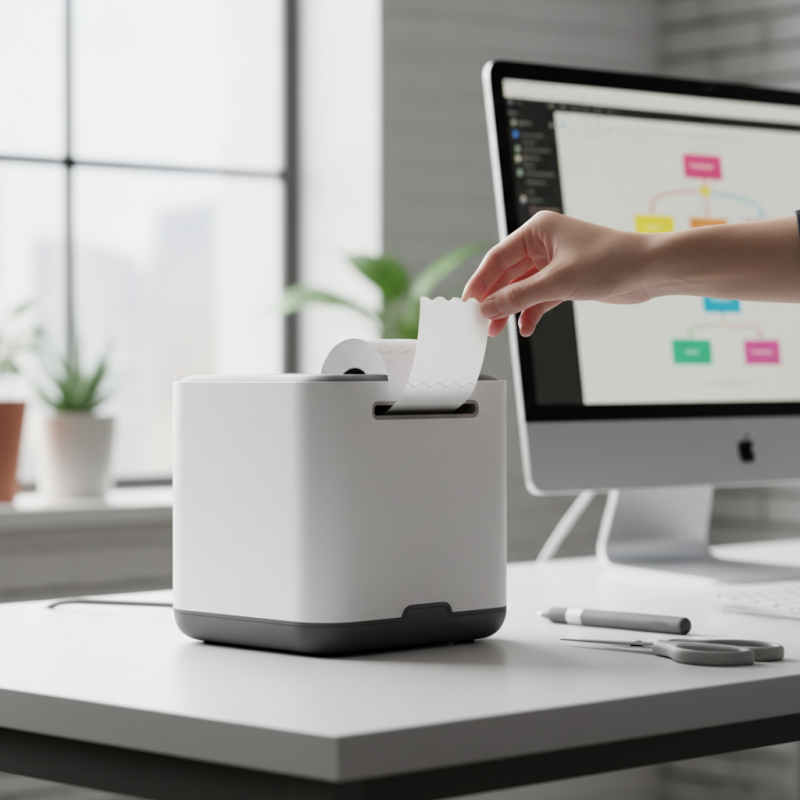
How to Choose the Best Lineless Label Printer for Your Needs?
Choosing the right lineless label printer can feel overwhelming. With various options available, it's essential to focus on your needs. Renowned industry expert, Sarah Thompson, emphasizes, "A lineless label printer should adapt to your workflow seamlessly." Her insight highlights the importance of functionality.
Many businesses overlook important features. Size, speed, and compatibility with software are critical. You may need to consider how often you print labels. A more robust model might prevent issues down the line. Focus on user reviews; they often reveal hidden strengths and weaknesses.
Some might assume that a higher price equals better quality. However, this belief can lead to disappointment. Every lineless label printer has unique advantages. Balancing cost against requirements is vital for a wise choice. Remember, the best printer enhances your productivity. Reflect on your specific needs before making a decision.
Understanding Lineless Label Printers: Features and Benefits
Lineless label printers have become popular due to their unique advantages. They eliminate the need for traditional label backing. This means less waste and easier label application. Users can enjoy clean, professional-looking labels without the hassle of peeling off sheets.
When choosing a lineless label printer, consider features such as print speed and resolution. Some printers may struggle with larger projects. They might not deliver the quality you expect. Another aspect to think about is connectivity. Does it support various devices? A printer without versatile options can limit your workflow.
Battery life is also critical. Some models may not last through a long day of printing. This can be a major inconvenience. While these printers offer many benefits, it is essential to reflect on your specific needs. A thorough assessment of your use case will help you avoid potential pitfalls.
Lineless Label Printer Features Comparison
This chart compares various features of lineless label printers, showcasing their print speed, resolution, maximum label width, connectivity options, and price. Use this information to decide which printer might best fit your needs based on your specific labeling requirements.
Key Technical Specifications to Consider in Lineless Label Printers
Choosing a lineless label printer requires attention to key technical specifications. First, consider print resolution. A higher DPI ensures crisp labels. For most applications, 300 DPI is standard. Some labels need finer details. Check what suits your needs best.
Next, evaluate printing speed. Lineless label printers vary in speed. Many operate at 4 to 8 inches per second. If your projects demand quick turnaround, higher speeds are crucial. Research productivity reports; they often reveal real-world speeds during peak use.
Tip: Always match your printer's specifications to your usage. Assess how often you'll print and in what volume. A mismatch can lead to frustration.
Connectivity is another essential feature. Many users prefer USB and wireless options for flexibility. However, not all models support cross-platform compatibility. This could limit your operations or necessitate additional setup time.
Tip: Test connection features before purchase. Make sure it fits your workflow seamlessly. Print samples if possible.
Lastly, consider the durability of the printer. Some models are designed for high-volume use. Others might struggle under frequent demand. Look for user experiences that highlight longevity and performance consistency.
Comparing Thermal vs. Direct Inkjet Printing for Labeling Needs
When selecting a lineless label printer, it’s crucial to assess the printing technology that best suits your labeling needs. Two primary options are thermal and direct inkjet printing, each with distinct advantages and limitations. A recent market analysis indicates that thermal printers account for approximately 60% of the label printer market, owing to their speed and efficiency. They use heat to transfer ink onto labels, which means no messy cartridges are involved. This can save time and reduce costs for businesses that produce high volumes.
On the other hand, direct inkjet printing is favored for its vibrant color output. These printers work by spraying tiny droplets of ink onto the label surface. While they excel in producing images and graphics, their ink costs can be significant. Reports suggest that inkjet printing can yield lower initial costs but higher ongoing expenses. Depending on the volume and type of labels needed, businesses may find that thermal printing offers a more economical solution over time.
However, considerations must be made regarding the type of materials used for labels. Thermal printing may struggle with certain surfaces, such as glossy materials. Similarly, direct inkjet labels can fade under sunlight. Understanding these nuances is vital for making an informed decision. It is not just about initial costs; it's also about longevity and performance in specific environments.
Evaluating Cost Efficiency: Price vs. Performance in Label Printers
When evaluating price versus performance in lineless label printers, it's crucial to consider your specific needs. The upfront cost can be tempting, but lower prices often mean trade-offs in quality or durability. A printer that falls short on performance may require frequent replacements. This could lead to higher long-term costs, undermining any initial savings.
Think about your volume of printing as well. If you print labels daily, a more reliable, albeit pricier model may serve you better. Fast printing speeds and high-resolution output are key features that impact overall efficiency. Quick turnaround times can enhance productivity in busy environments. However, balance is essential.
Another aspect to reflect on is maintenance and consumables. A low-cost printer might come with expensive label rolls or other required supplies. Over time, these hidden costs add up. Ensure to factor them into your budget. A focus on long-term value, rather than just the initial investment, often reveals the most cost-effective choice.
Assessing Brand Reputation and Customer Reviews for Your Choice
When choosing a lineless label printer, brand reputation plays a crucial role. Researching different companies can reveal how reliable their products are. Look for manufacturers that have been in the market for a while. Their experience often translates into better quality. Customer reviews can provide real-life insights into performance. Users often share what worked for them and what didn’t. This feedback can help avoid mistakes.
Tips: Always check the printing speed and quality. These factors directly impact efficiency. Ensure the printer meets your label size requirements. Not all printers handle different dimensions well. Compatibility with various media is essential too. It's frustrating to buy a printer only to find it can't work with your labels.
Be mindful of the customer support offered. A good support team can make a difference if you run into issues. Consider the warranty length; longer warranties indicate more confidence in the product. Remember that some brands might have mixed reviews. Don't be swayed by a few positive testimonials alone. Take time to reflect on the overall feedback before making your decision.
How to Choose the Best Lineless Label Printer for Your Needs?
| Printer Model | Print Speed (mm/s) | Print Resolution (dpi) | Maximum Label Width (mm) | Customer Rating (out of 5) | Number of Reviews |
| Model A | 120 | 300 | 60 | 4.5 | 500 |
| Model B | 100 | 600 | 70 | 4.0 | 300 |
| Model C | 140 | 300 | 80 | 4.8 | 750 |
| Model D | 80 | 400 | 50 | 3.5 | 150 |
| Model E | 110 | 200 | 75 | 4.2 | 400 |